
Connect the services your company runs.
26 ready-made connections, and 3 generic ones that reach any other API. A connection is declared in your workspace's code and its credential stays with the platform: pipelines and ontology actions call the service through it without ever holding the key.
- ready-made
- 26
- for any API
- 3
- via API
- 37
Built in means a connection class for the service ships in the SDK. Via API means the service connects through a generic API-key, OAuth 2.0 or client-credentials connection, declared by your agent with the service's API address.
All integrations
Advertising
10CRM & sales
7


Finance & billing
10
Commerce
4
Messaging & email
10


Support
3Analytics & social
4Data & files
7
Product & engineering
4People
3
Not listed? Your agent can connect any API.
If a service has an HTTPS API that takes a key, an OAuth 2.0 sign-in or a client ID and secret, your agent can connect it with one of the generic connections. It is the same declaration the ready-made ones use, and the credential is kept the same way.
- 1DeclareYour agent adds the connection to connections/connections.py: the service's API address, and each credential as a Secret. The value itself never goes in the repository.
- 2Deploysegmentstream deploy publishes the declaration. The connection appears in the console, waiting for its credential.
- 3ConnectPaste the key in the console or with segmentstream connection configure, or sign in for OAuth. The platform keeps the value and attaches it to every request.
from segmentstream_connections import ApiKeyConnection, Bearer, Secret connections = ( ApiKeyConnection( key="billing", name="Billing", provider="billing", headers={"Authorization": Bearer(Secret(label="API key"))}, apis={"v1": "https://api.billing.example.com/v1/"}, ),)$ segmentstream connection configure billing
Connected once, used everywhere.
Connections are declared in your repository and authorised in the console. The credentials stay with the platform; apps, pipelines, workflows and the agent use them under the same roles.
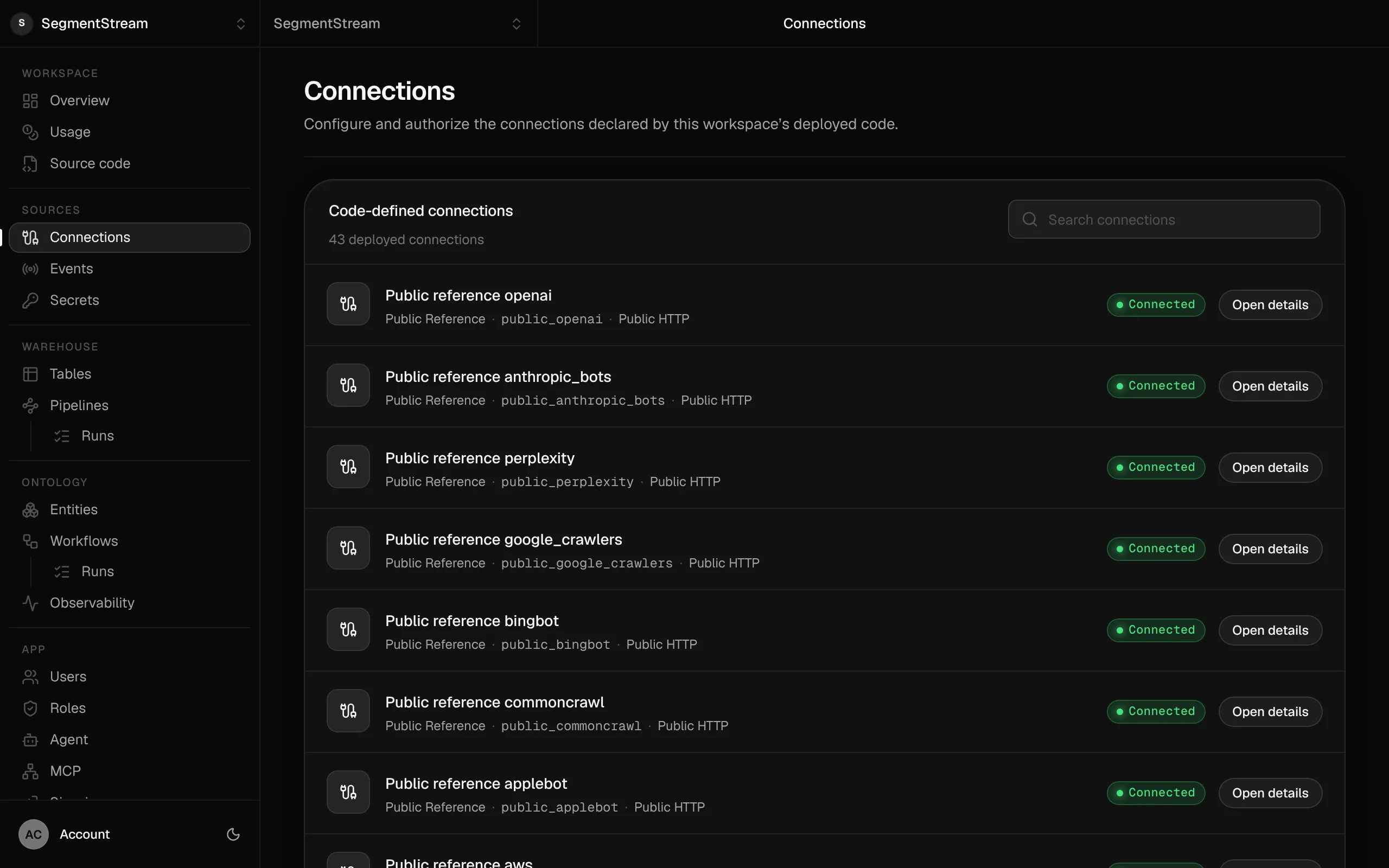
One connection, used wherever the work happens
Pipelines
Ingestion assets and models load the service's data into your warehouse on a schedule, through the connection's HTTP client.
Ontology actions
An ontology action can call a connection, one record at a time: enrich a new lead, send an email, post a card to a chat.
The company agent
The company agent answers your team in Slack, Teams, WhatsApp, Telegram and email through the workspace’s connections.
Want a connection built for you?
Our forward-deployed engineers build the connection, the pipeline that loads it and the app your team uses, in your own workspace, as code you own.
- One solution, on your data, in your own workspace
- First version live in two weeks
- Parity proven before anything is switched off
- Fixed scope and price, credited to your contract if you continue
Not ready for a pilot? Send the form anyway with your question. An engineer will reply, not a sales rep.
How the pilot worksConnect what your company runs.
Our engineers build the first version on your data in two weeks, at a fixed price.
Or build it yourself with your coding agent:
curl -fsSL https://segmentstream.com/install.sh | sh