Display & Video 360
Programmatic spend, impressions and conversions by line item. Display & Video 360 connects through an OAuth 2.0 connection: its API takes a Google OAuth 2.0 sign-in, the platform keeps it, and your agent declares the connection with Display & Video 360's API address.
Connected once, used everywhere.
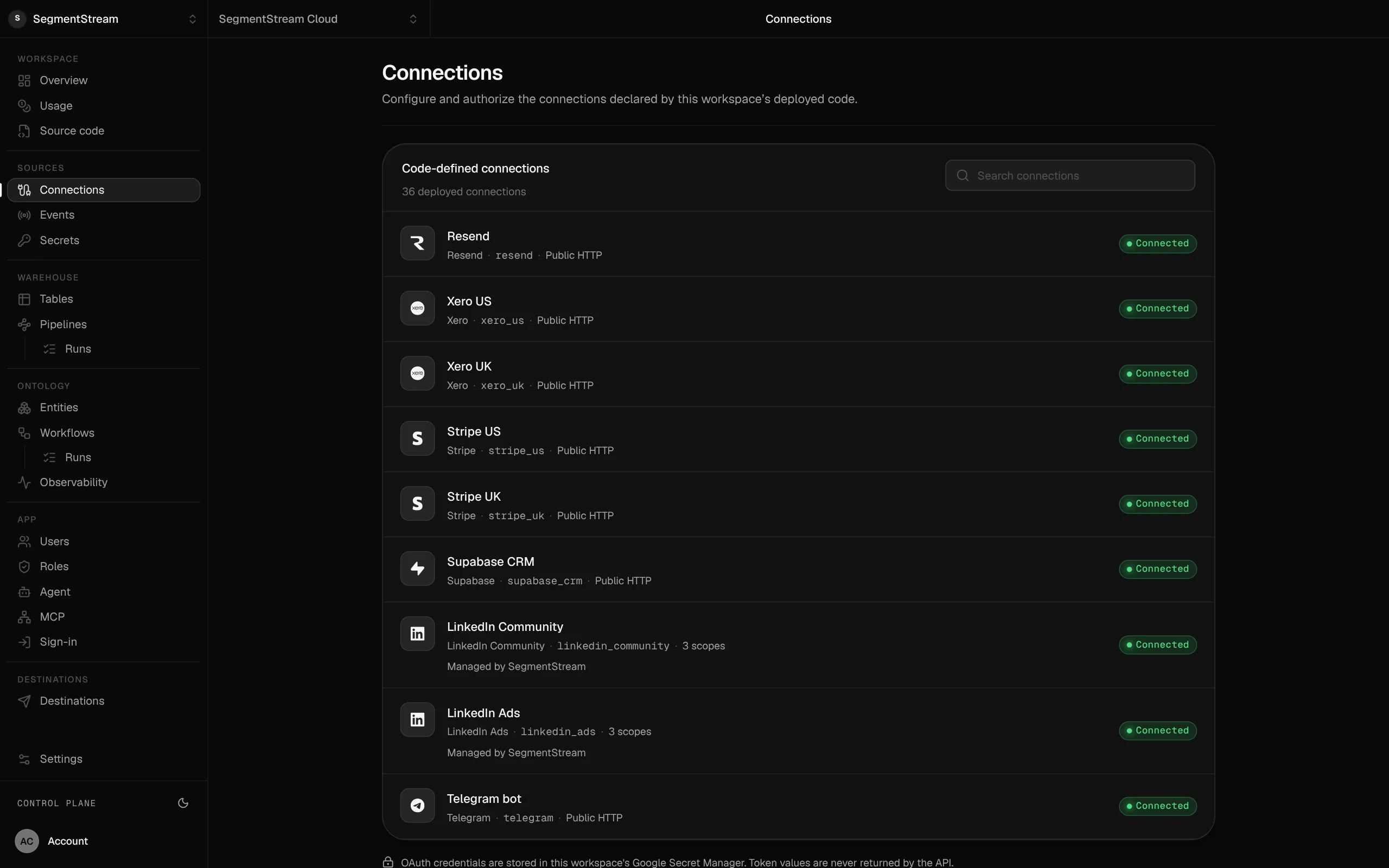
Connections are declared in your repository and authorised in the console. The credentials stay with the platform; apps, pipelines, workflows and the agent use them under the same roles.
Connect Display & Video 360
Display & Video 360's API takes a Google OAuth 2.0 sign-in, so it connects the way any API does: three steps, with the credential kept by the platform and never in your code.
- 1
Your agent declares it
In connections/connections.py, with
OAuth2Connection: Display & Video 360's API address and the credential as a Secret. - 2
Deploy
$ segmentstream deploy - 3
Connect
Configure the client ID and secret of your Display & Video 360 OAuth application, register the redirect URI the connection shows, then sign in.
$ segmentstream connection configure display_video_360$ segmentstream connection authorize display_video_360 --open
Ask your agent
“Add Display & Video 360 and load daily spend by line item.”
The connection it uses
Any OAuth 2.0 APIAny API with an OAuth 2.0 sign-in.Part of these solutions
More in Advertising
Want Display & Video 360 set up for you?
Our forward-deployed engineers build one solution on your data, in your own workspace, as code you own. Tell us what you run today and what you want; your note goes straight to our founder.
- One solution, on your data, in your own workspace
- First version live in two weeks
- Parity proven before anything is switched off
- Fixed scope and price, credited to your contract if you continue
Not ready for a pilot? Send the form anyway with your question. An engineer will reply, not a sales rep.
How the pilot worksConnect what your company runs.
Our engineers build the first version on your data in two weeks, at a fixed price.
Or build it yourself with your coding agent:
curl -fsSL https://segmentstream.com/install.sh | sh