
Amazon Seller Central
Orders, fees, inventory and settlements. Amazon Seller Central connects through an OAuth 2.0 connection: its API takes a Login with Amazon OAuth 2.0 sign-in, the platform keeps it, and your agent declares the connection with Amazon Seller Central's API address.
Connected once, used everywhere.
Connections are declared in your repository and authorised in the console. The credentials stay with the platform; apps, pipelines, workflows and the agent use them under the same roles.
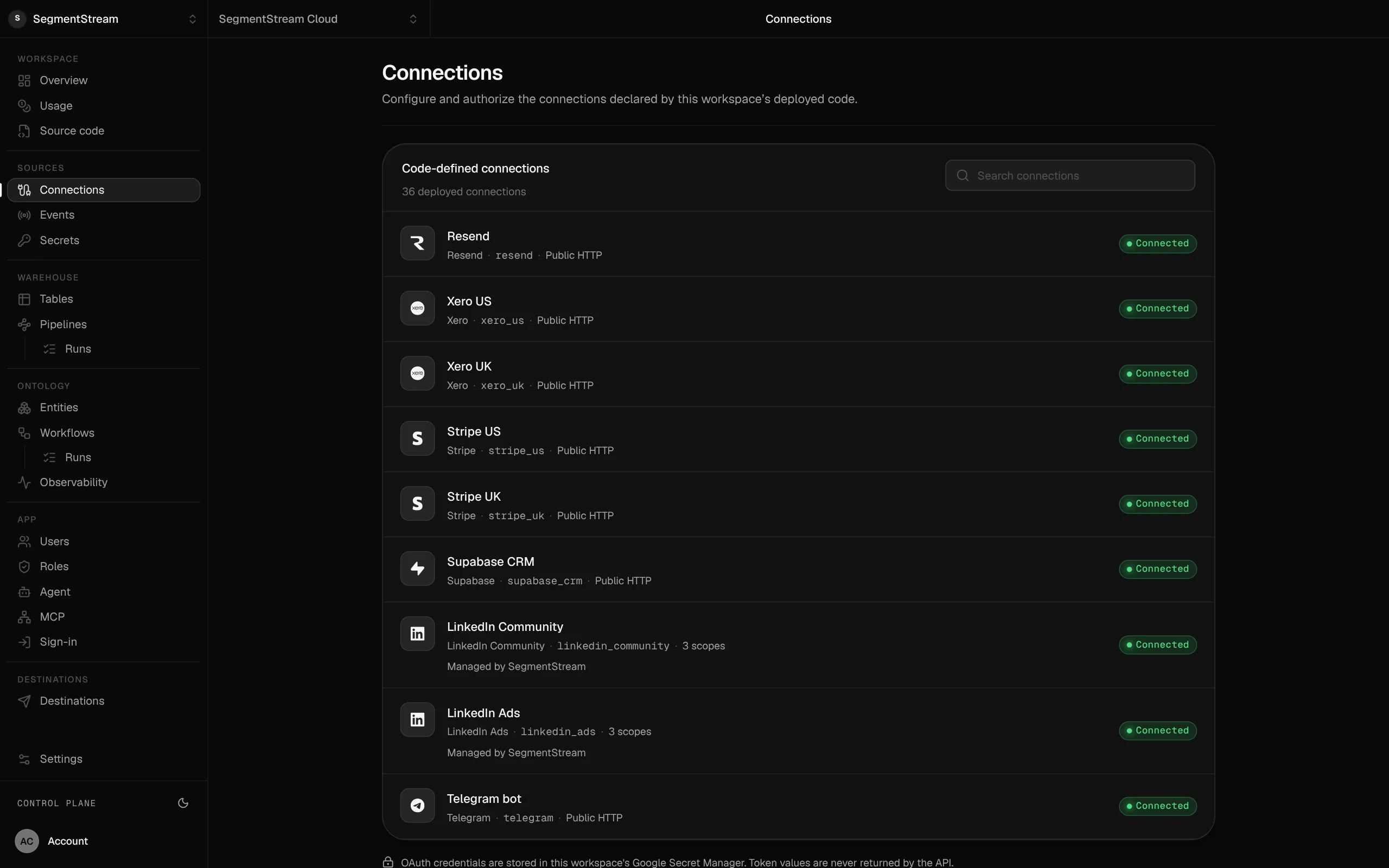
Connect Amazon Seller Central
Amazon Seller Central's API takes a Login with Amazon OAuth 2.0 sign-in, so it connects the way any API does: three steps, with the credential kept by the platform and never in your code.
- 1
Your agent declares it
In connections/connections.py, with
OAuth2Connection: Amazon Seller Central's API address and the credential as a Secret. - 2
Deploy
$ segmentstream deploy - 3
Connect
Configure the client ID and secret of your Amazon Seller Central OAuth application, register the redirect URI the connection shows, then sign in.
$ segmentstream connection configure amazon_seller$ segmentstream connection authorize amazon_seller --open
Ask your agent
“Add Amazon Seller Central and load orders and fees daily.”
The connection it uses
Any OAuth 2.0 APIAny API with an OAuth 2.0 sign-in.Part of these solutions
More in Commerce

Want Amazon Seller Central set up for you?
Our forward-deployed engineers build one solution on your data, in your own workspace, as code you own. Tell us what you run today and what you want; your note goes straight to our founder.
- One solution, on your data, in your own workspace
- First version live in two weeks
- Parity proven before anything is switched off
- Fixed scope and price, credited to your contract if you continue
Not ready for a pilot? Send the form anyway with your question. An engineer will reply, not a sales rep.
How the pilot worksConnect what your company runs.
Our engineers build the first version on your data in two weeks, at a fixed price.
Or build it yourself with your coding agent:
curl -fsSL https://segmentstream.com/install.sh | sh