
Supabase
One Supabase project's REST API with a secret key: the tables and views exposed to its Data API.
Connected once, used everywhere.
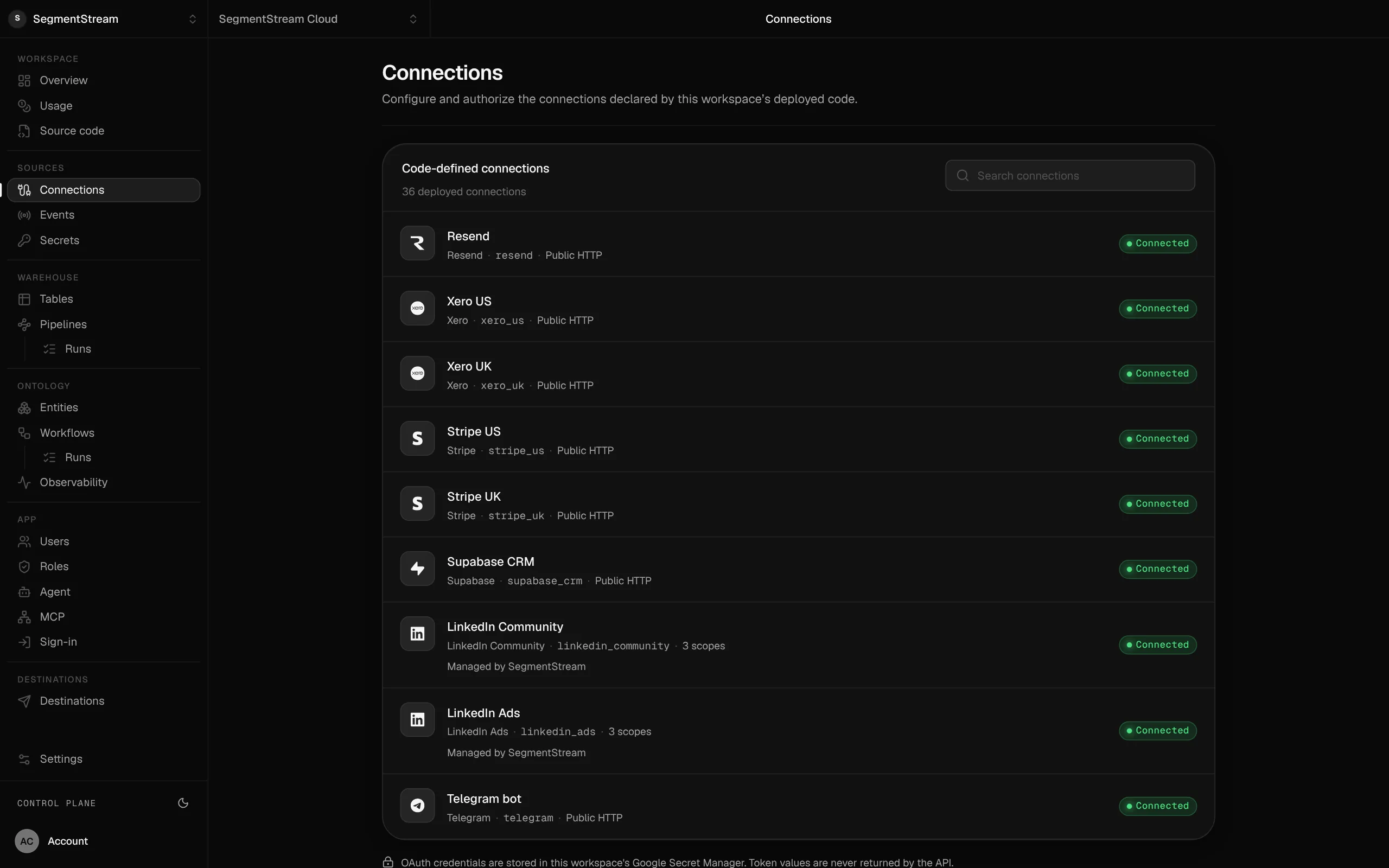
Connections are declared in your repository and authorised in the console. The credentials stay with the platform; apps, pipelines, workflows and the agent use them under the same roles.
What the connection reaches
- Tables and views exposed to the Data API
- PostgREST filters, ordering and paging
- Callable from pipelines and from ontology actions
- Status
- Built into the pipeline SDK
- Connection class
- SupabaseConnection
- Credential
- Secret key
- In use
- In use at SegmentStream HQ, our own workspace.
Connect Supabase
Three steps, the same for every connection. The credential goes to the platform, never into the repository or pipeline code.
- 1
Declare it in connections/connections.py
connections/connections.py from segmentstream.connections import SupabaseConnection connections = ( SupabaseConnection( key="supabase", project="abcdefghijklmnopqrst", ),) - 2
Deploy
$ segmentstream deploy - 3
Connect
Paste the secret key (Supabase Dashboard > Project Settings > API Keys; it starts with sb_secret_) into the connection in the console, or configure it from the terminal with a hidden prompt. API-key connections need no authorisation step: once the value is set, the connection is connected.
$ segmentstream connection configure supabase
Use it
Code asks for the connection by its key. The platform adds the credential on the way out.
import segmentstream as s with s.get_connection("supabase").get_http_client() as client: response = client.get("/orders", params={"select": "*", "limit": 1000}) response.raise_for_status()Or ask your agent
“Import the customers table from our Supabase project.”
Part of these solutions
More in Data & files

Want Supabase set up for you?
Our forward-deployed engineers build one solution on your data, in your own workspace, as code you own. Tell us what you run today and what you want; your note goes straight to our founder.
- One solution, on your data, in your own workspace
- First version live in two weeks
- Parity proven before anything is switched off
- Fixed scope and price, credited to your contract if you continue
Not ready for a pilot? Send the form anyway with your question. An engineer will reply, not a sales rep.
How the pilot worksConnect what your company runs.
Our engineers build the first version on your data in two weeks, at a fixed price.
Or build it yourself with your coding agent:
curl -fsSL https://segmentstream.com/install.sh | sh