
BTCPay Server
The Greenfield API of one BTCPay Server at its public HTTPS address, with an API key limited to the store permissions the workspace uses.
Connected once, used everywhere.
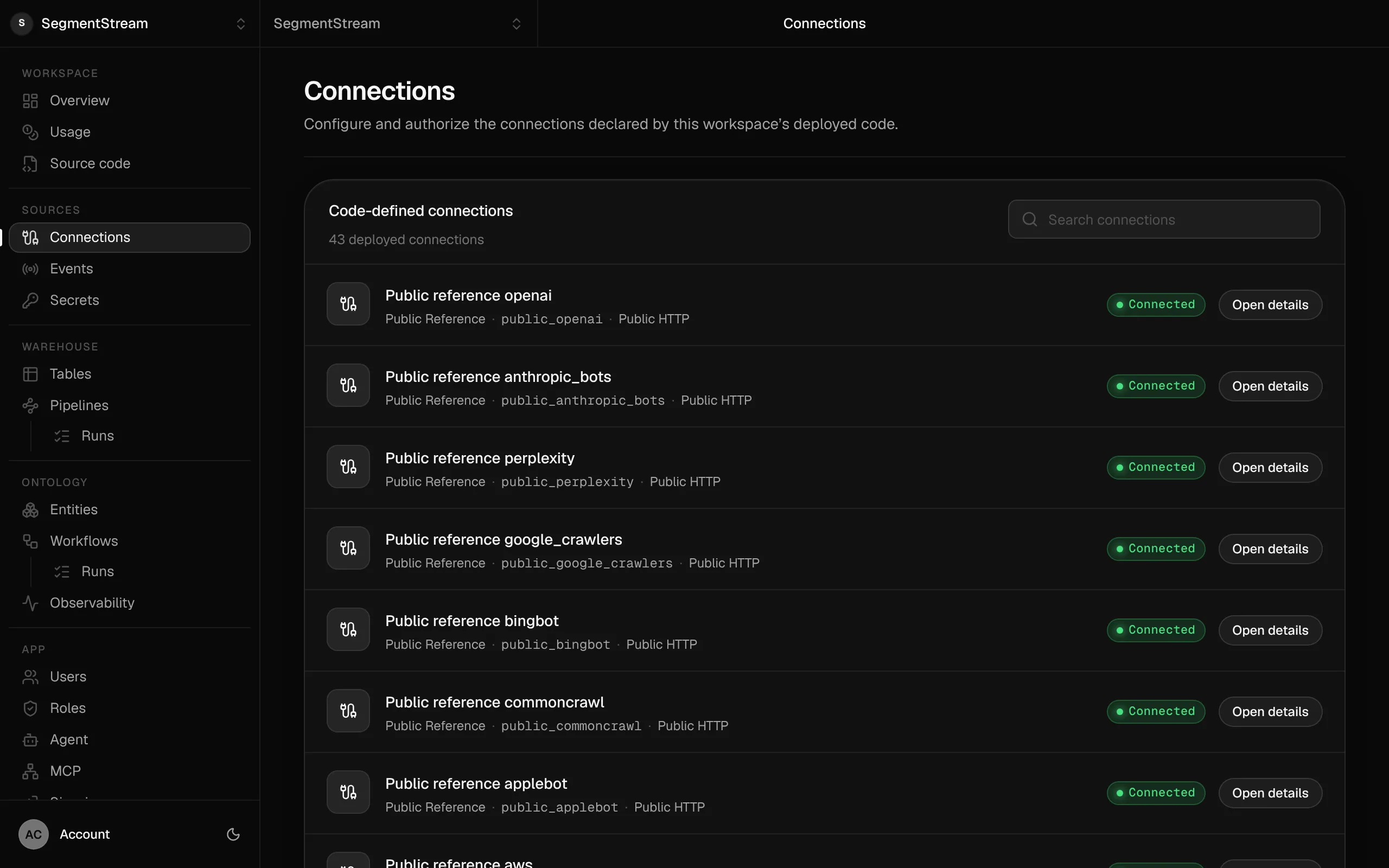
Connections are declared in your repository and authorised in the console. The credentials stay with the platform; apps, pipelines, workflows and the agent use them under the same roles.
What the connection reaches
- Stores, invoices and payment methods the key may use
- Webhooks registered through the API, pointed at an ontology webhook trigger
- Callable from pipelines, ontology actions and workflows
- Status
- Built into the pipeline SDK
- Connection class
- BtcPayConnection
- Credential
- API key
Connect BTCPay Server
Three steps, the same for every connection. The credential goes to the platform, never into the repository or pipeline code.
- 1
Declare it in connections/connections.py
connections/connections.py from segmentstream_connections import BtcPayConnection connections = ( BtcPayConnection( key="btcpay", server="https://pay.example.com", ),) - 2
Deploy
$ segmentstream deploy - 3
Connect
Paste the API key (your BTCPay Server's Account > API keys) into the connection in the console, or configure it from the terminal with a hidden prompt. API-key connections need no authorisation step: once the value is set, the connection is connected.
$ segmentstream connection configure btcpay
Use it
Code asks for the connection by its key. The platform adds the credential on the way out.
import segmentstream as s with s.get_connection("btcpay").get_http_client() as client: response = client.get(f"/stores/{store_id}/invoices") response.raise_for_status()Or ask your agent
“Create invoices on our BTCPay Server and record each settled payment.”
Part of these solutions
More in Finance & billing
Want BTCPay Server set up for you?
Our forward-deployed engineers build one solution on your data, in your own workspace, as code you own. Tell us what you run today and what you want; your note goes straight to our founder.
- One solution, on your data, in your own workspace
- First version live in two weeks
- Parity proven before anything is switched off
- Fixed scope and price, credited to your contract if you continue
Not ready for a pilot? Send the form anyway with your question. An engineer will reply, not a sales rep.
How the pilot worksConnect what your company runs.
Our engineers build the first version on your data in two weeks, at a fixed price.
Or build it yourself with your coding agent:
curl -fsSL https://segmentstream.com/install.sh | sh