
Introducing Events
Collect events from your websites, apps and servers into your own warehouse, with nothing to host and no third party holding your data.
Product · SegmentStream · 25 October 2026 · 3 min read
On this page
Every visit, sign-up and purchase tells you something about your business. With Events, your websites, apps and servers send them to your own endpoint, and every one lands in your workspace's warehouse, next to your orders, ad spend and the records your team works on. There is no tracking vendor holding your data and nothing to host, and the events are yours to model, report on and act on.
What's new
- Streams declared in code: each stream is a few lines your coding agent writes.
- From websites, apps and servers: browsers send from the sites you allow, servers with a write key.
- One endpoint, collected near the sender, stored in your workspace's region.
- Schemas that never drop data: an event that doesn't match is kept and flagged.
- Straight into your warehouse, with a table per event type, ready to model.
- Works with the sources you have: GA4, Segment and other event tools.
- An open-source web tracker, or a few lines your agent writes.
- Collection run for you: volume in the console, pause, resume and checks from the CLI.
Streams declared in code
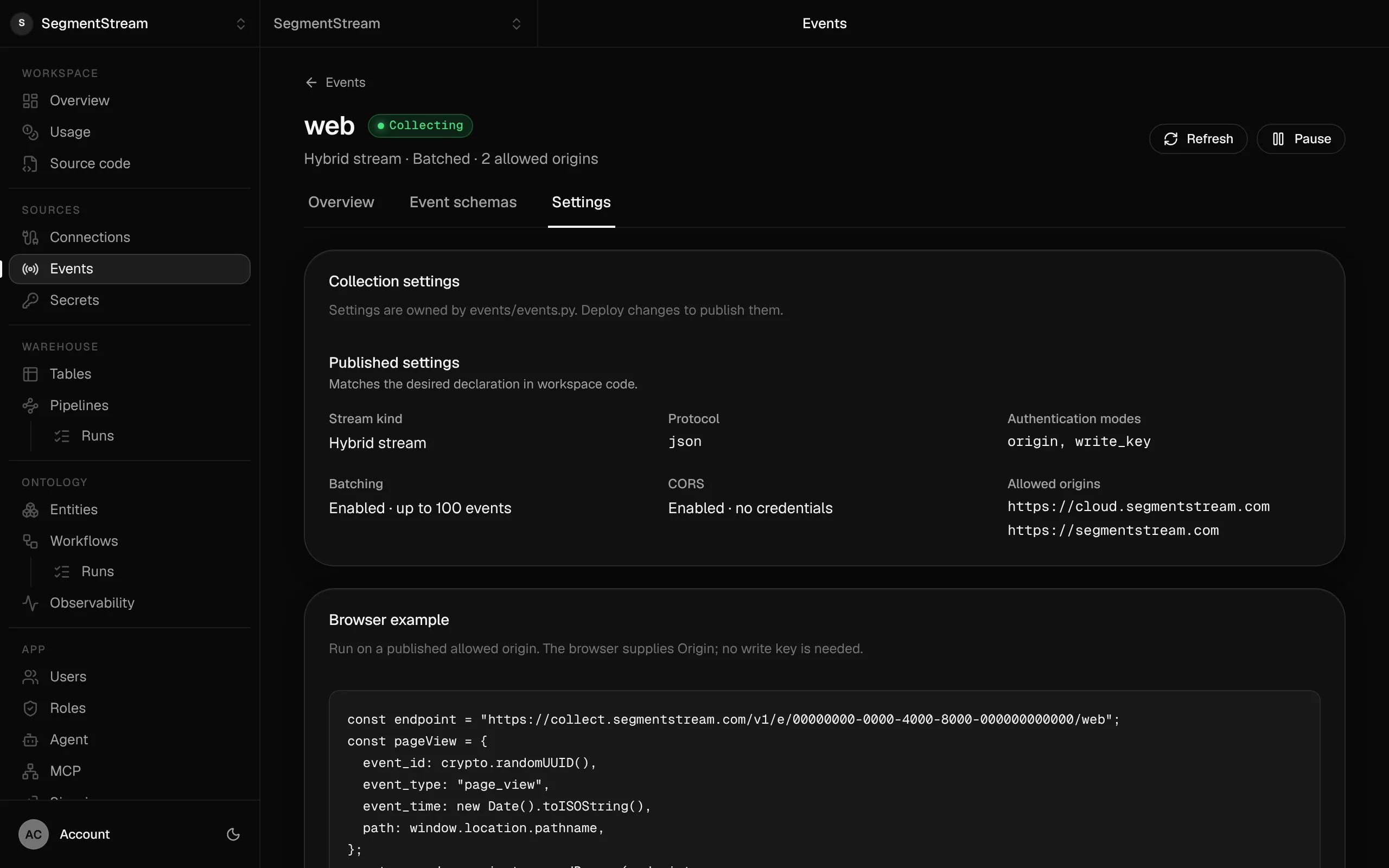
A stream is a named flow of events, such as web or app. It lives in your repository with the rest of your workspace: its name, who may send to it and the shape of its events. Ask your coding agent for one, deploy, and the stream starts collecting.
From websites, apps and servers
- Websites send from the browser, from the sites you list. There is no key in the page to leak.
- Servers and apps send with a write key that only lets them add events to that one stream.
- Both at once: a stream can take both, in batches of up to 100 events per request.
Every event carries its own ID, so a retried event is counted once in your models.
One endpoint, near the sender
Every workspace sends to one address. Events are received by the nearest collector, in the US or the EU, and stored in your workspace's region. The collectors are run for you: there is nothing to host, scale or patch.
Schemas that never drop data
Each event type has a schema you version as your product changes. Every event is checked against it. An event that doesn't match is kept and flagged, never thrown away, so a tracking bug costs you a fix, not a gap in your data.
Straight into your warehouse
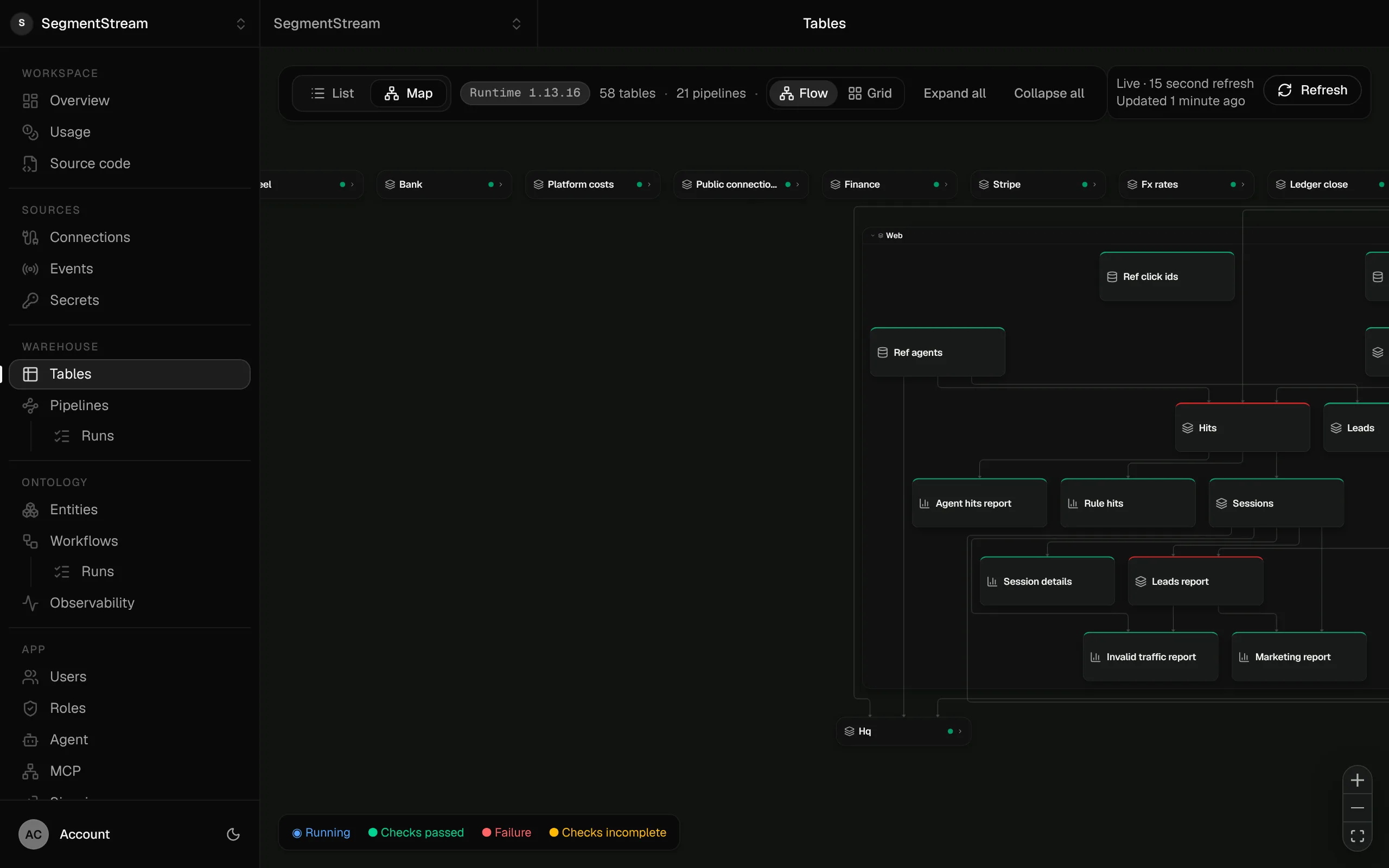
Accepted events land in your warehouse, partitioned by day, with a table for each event type showing its fields. From there, pipelines turn them into whatever your business needs: sessions, sign-up funnels, product usage, conversions or attribution, joined to your orders and your ad spend.
Works with the sources you have
Already collecting events with GA4, Segment or another tool? SegmentStream works with them too. Their data comes into the same warehouse, beside the events you collect yourself, so your history carries on, and you can move your tracking over when you are ready. Our engineers can do the move with you and check the numbers match before anything is switched off.
An open-source web tracker
For websites, our web tracker sends page views from the browser, keeps an anonymous ID only when you ask it to, and can wait for the visitor's consent. Or your coding agent writes the few lines your site needs to send its own events.
Collection run for you
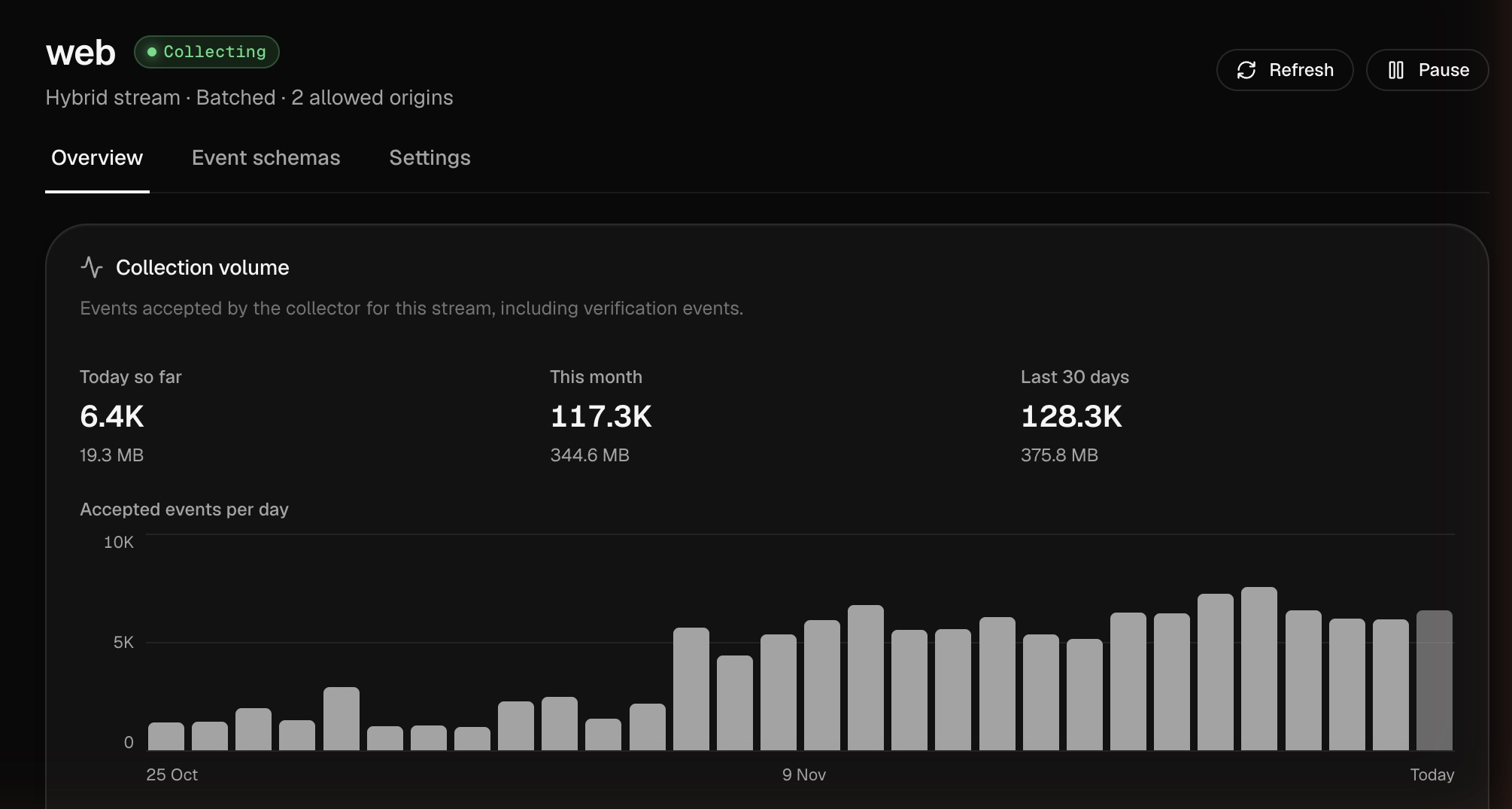
- Volume in the console: events accepted today, this month and over 30 days, per stream.
- Check the whole path: one command sends a test event and confirms it reached the warehouse.
- Pause, resume or retire a stream without losing its history.
Try it
Install SegmentStream:
curl -fsSL https://segmentstream.com/install.sh | shThen ask your coding agent (Claude Code, Codex, Cursor or another) to start collecting. It could be:
Collect events from our website and our backend into our
SegmentStream warehouse: page views and sign-ups from the browser,
and purchases from the server with the order ID and amount. Then
build a daily table of sign-ups and purchases by traffic source.
See it end to end in Build your own Google Analytics, or read more on the Events page.