
Introducing SegmentStream
One platform for your company’s custom software and AI agents. Build, deploy and run any app, workflow or agent on shared data, context, rules and permissions.
Product · SegmentStream · 15 September 2026 · 8 min read
On this page
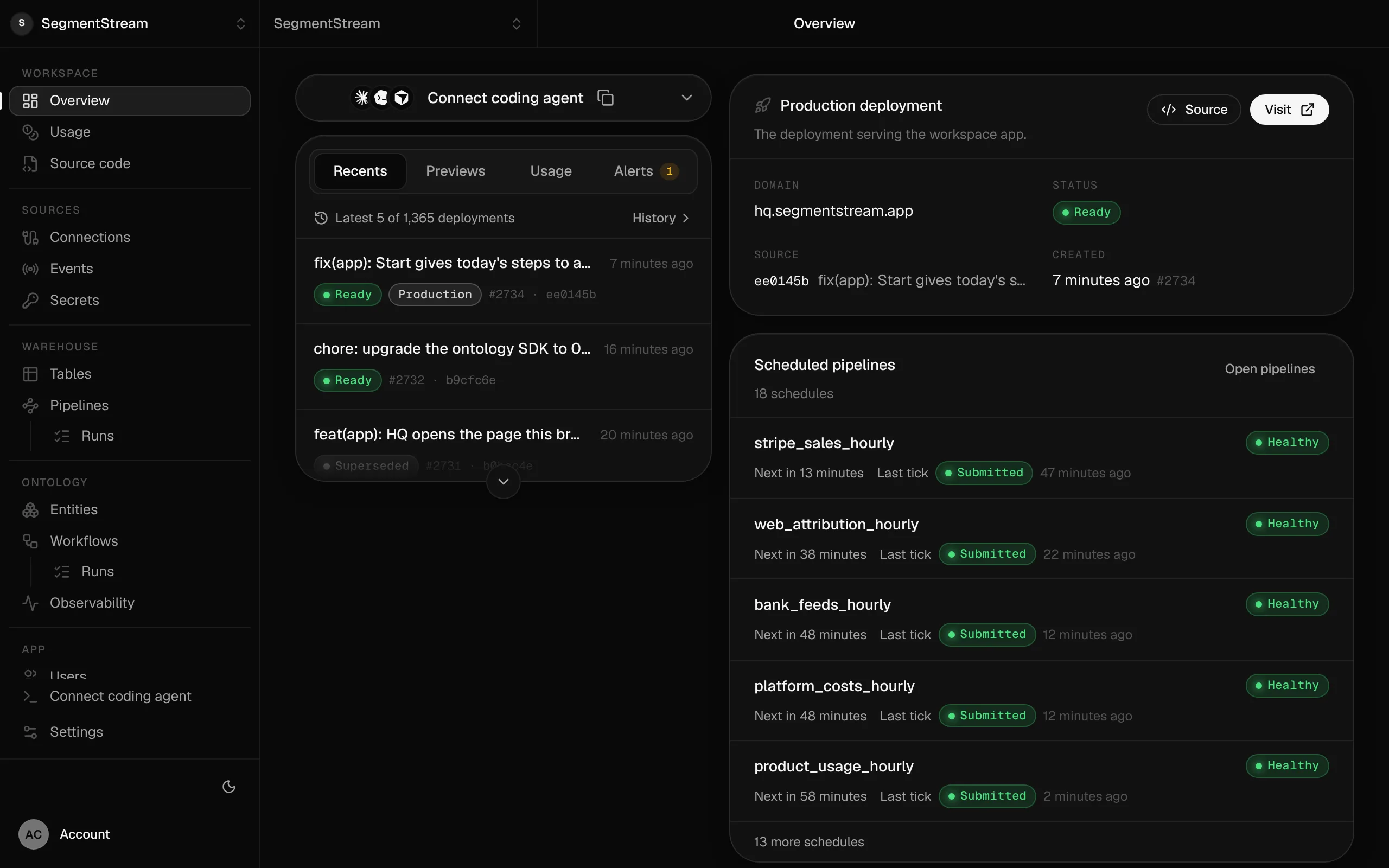
Today we're launching SegmentStream, an AI-native operating system for companies. It is one platform for your company's custom software and AI agents: apps, workflows and agents built, deployed and run on the same data, context, rules and permissions. The code lives in one repository that belongs to your company.
Why we built it
Most companies still run on legacy software and a stack of rented SaaS. The data sits in a dozen places, every tool has its own rules, and people move the work between them by hand. AI can't do much in that setup, because no agent can see the whole business or act safely across it.
SegmentStream starts from the foundation. Connect your systems once and define how your business works in code. Every app, workflow and agent then runs on it, with roles and permissions built in. Companies build a CRM, finance and accounting, a support desk, analytics and internal tools on it, and agents that work across all of them.
An agent that does real work in a company needs three things a model does not supply: records it may change only through rules, an identity to act as, and a place where people see what it did. SegmentStream gives it all three. Every change goes through an action with a permission check, every action has an actor, and the model never holds a credential. We wrote down the ten principles behind it in Agent platform 2027.
What's in it
- Console. See and manage everything your workspace runs.
- Ontology. Your records, the actions that change them, roles and history.
- MCP and API. REST, OpenAPI and MCP from one model, checked per caller.
- Apps and sign-in. Hosting on your own domain, sign-in, public pages and roles.
- Company agent. One agent for your team and your customers, acting as the person who asks.
- AI Gateway. Every major model, no API keys, at list price.
- Workflows. Work that starts on a schedule, when a record changes, or when another service calls.
- Pipelines. Ingestion, models, checks, schedules and lineage.
- Warehouse. A BigQuery warehouse per workspace, with the ontology replicated in.
- AI evaluation. Classify, score and grade any record with a decision model.
- Connections and secrets. 100+ pre-built integrations, with credentials held by the platform.
- Events. First-party events from sites, apps and servers, into your warehouse.
Who builds it
There are two ways to start, and both end with code in your repository.
- Your team, with a coding agent. Install the CLI and tell Claude Code, Codex, Cursor or another coding agent what your team needs. It creates the workspace, builds on the platform and deploys. You pay only for what runs.
- Our engineers, in a pilot. We build one solution on your data, in your own workspace. The first version is live in two weeks, at a fixed scope and price, and we prove parity before anything is switched off. Start a pilot.
Your workspace: code you own
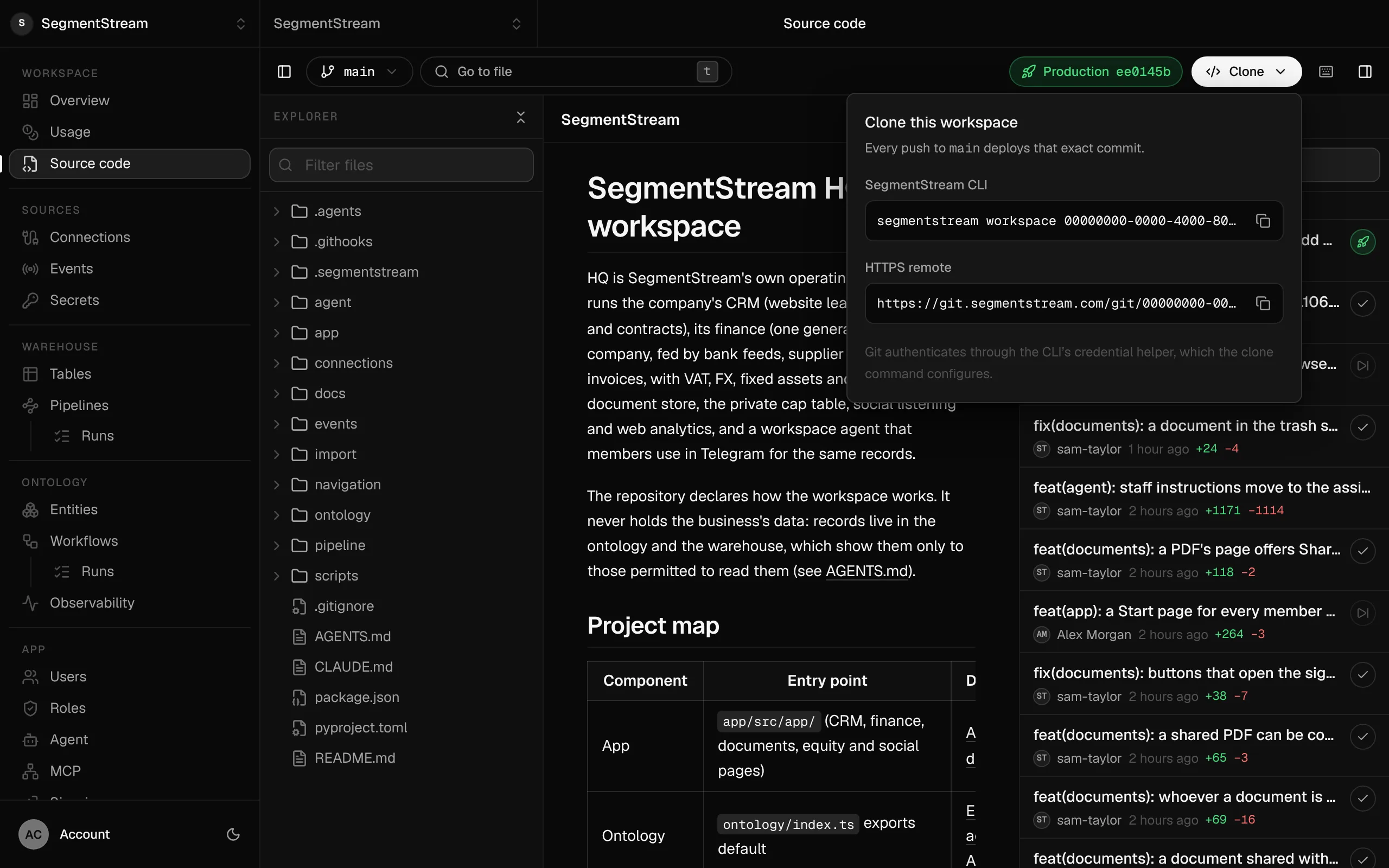
Each company gets its own workspace: the app, the ontology, workflows, pipelines, connections, events and the agent, all as code in one git repository. Git hosting is built in, so there is no GitHub account or deploy pipeline to set up. Every push to main deploys that exact commit. Clone it with plain git and take it with you.
- One console. Deployments, the source at any commit, connections, tables and runs, members and roles, the agent and MCP. Everything in it also has a CLI command, so your coding agent works with the same operations.
- Ship without breaking the live app. Preview a branch at its own address, or run the app locally against a private copy of production.
- Isolated. Every workspace has its own database and warehouse, in the region you choose, EU or US.
The ontology: one model of your business
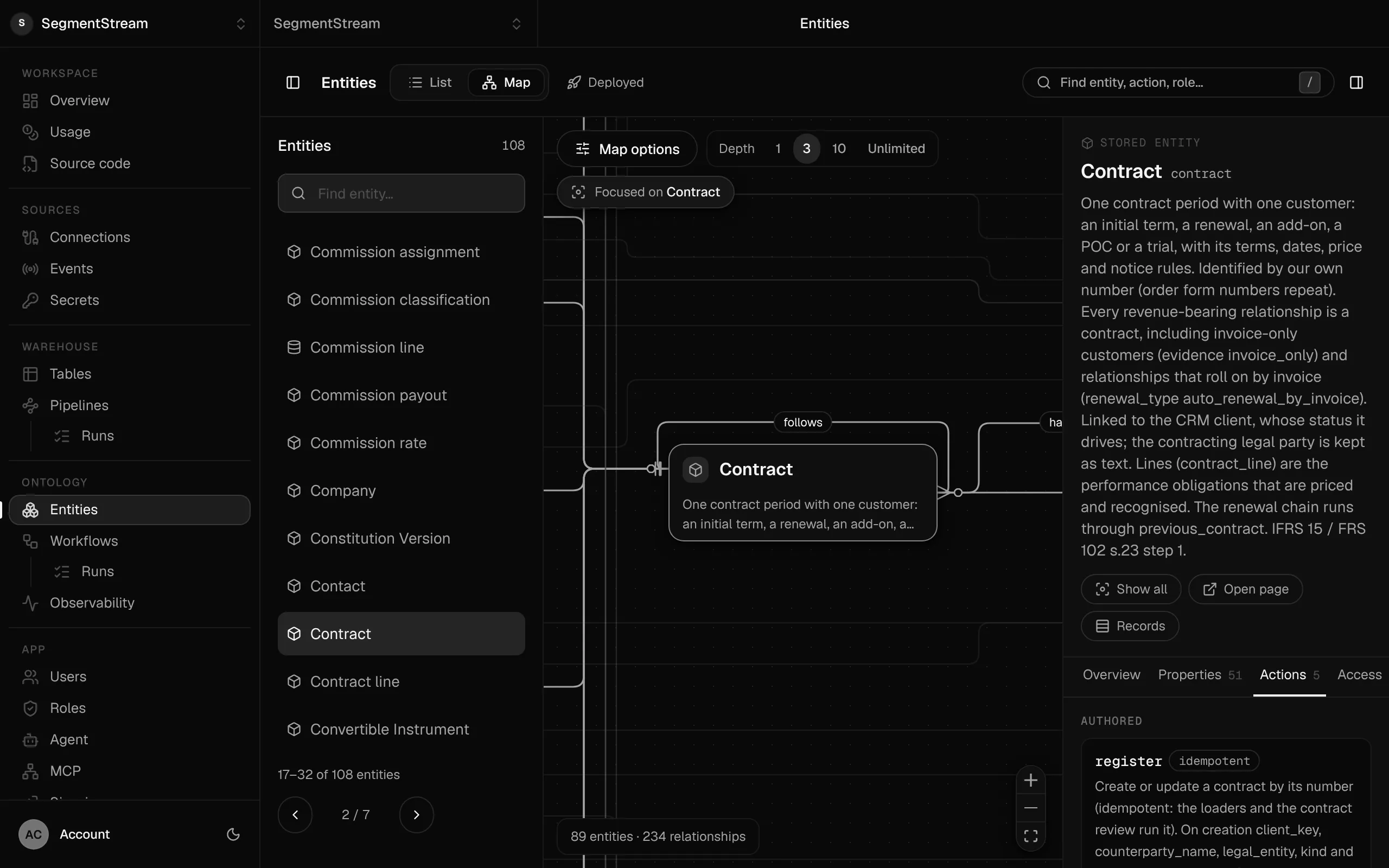
Define your customers, deals, contracts and orders once, in code, along with the rules for changing them. Your team, your other software and your AI agents then work on the same records under the same rules.
- Entities and relationships, each with a plain-language description that people and agents both read.
- Every change goes through an action: a named operation with your rules inside, run in one transaction, with a history that names who made the change.
- Roles grant reading per entity and running per action. The check is the same for people, API keys and agents.
What a person or the agent decides is a record, changed by an action. What a machine reports or a model computes is a table in the warehouse. A number over many records is a metric, defined once, so every app, report and agent gives the same answer.
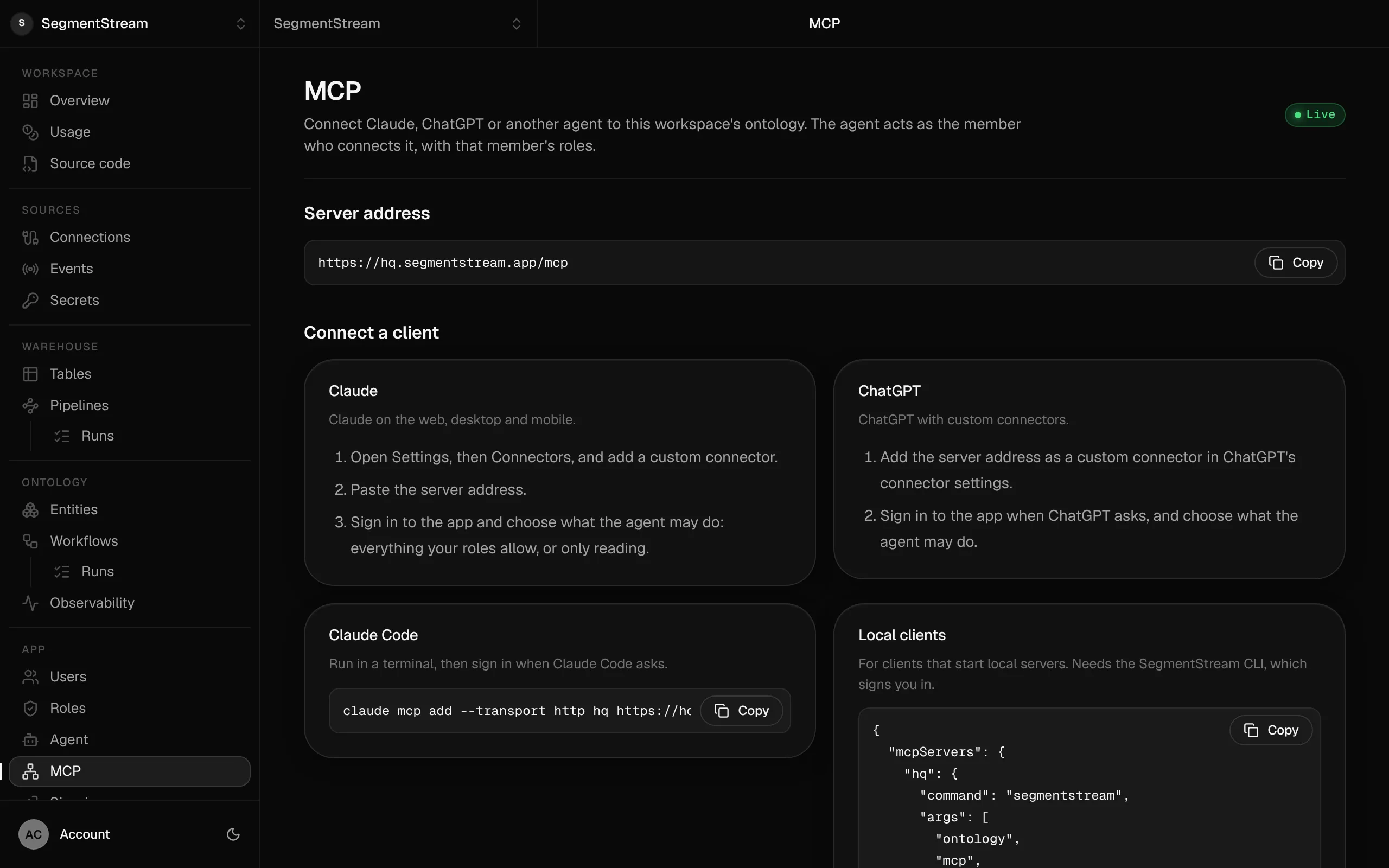
Every app's ontology is served as a REST API with an OpenAPI reference, a typed SDK and an MCP server. Members connect Claude, ChatGPT or Claude Code with OAuth. The agent acts as them and sees only the tools their roles allow.
Apps and the company agent
Apps. The platform hosts your app at your-name.segmentstream.app or on your own domain. People you invite sign in with an email code and need no SegmentStream account. The app reads and changes records as the signed-in member and holds no database credentials.
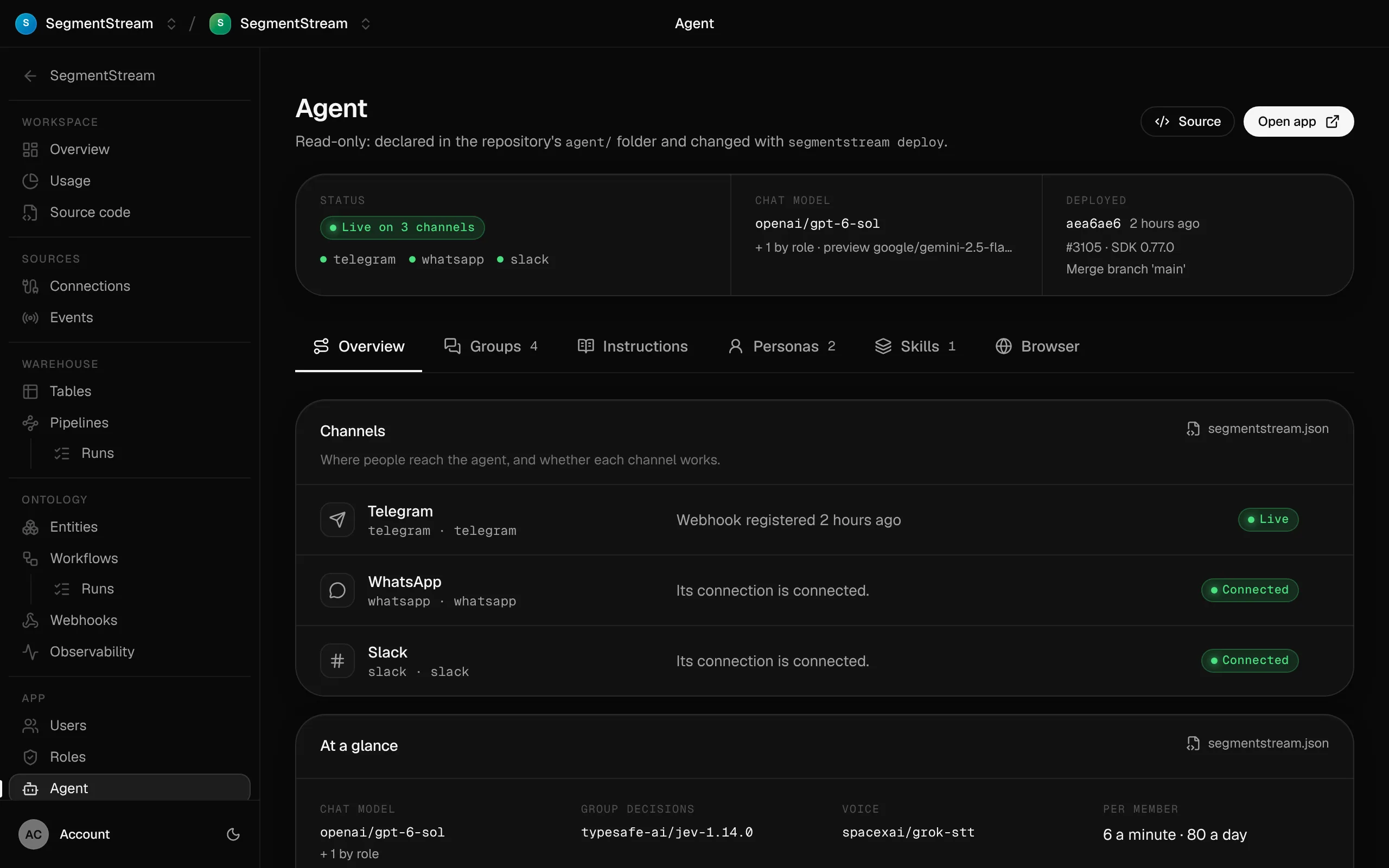
The company agent. One agent per workspace that knows your records and rules. It works for your team in Slack, WhatsApp, Telegram and email, and for your customers on WhatsApp, Telegram, email and your website. It acts with the permissions of whoever it talks to and asks before it changes anything that matters. It reads documents and voice messages, and hands a chat to a person when it should. There is no agent superuser and no shared key: removing a member stops the agent for them at once.
AI Gateway. The agent, workflows and pipelines call models from every major provider through one gateway. There is no API key to manage, each role can use its own model, and calls are billed at list price with no markup.
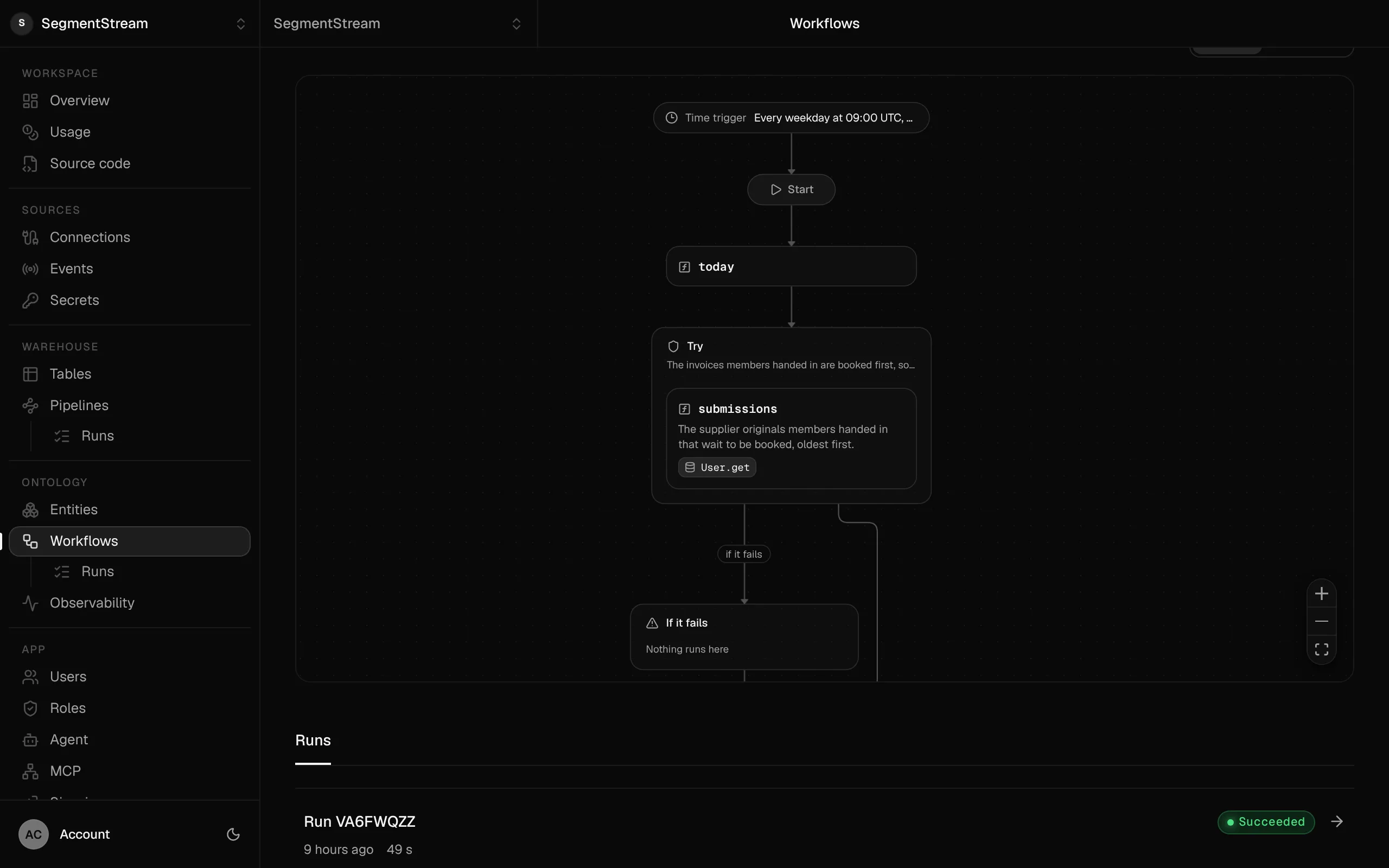
Workflows: routine work, done on time
Workflows run the company's routine work on their own: every morning, after a record changes, or when another service calls, such as a payment or a form.
- Each workflow runs as its own user, with its own role, through the same actions and checks as your team.
- Steps are durable: a failed step is retried on its own, waits can last days, and every run is recorded.
- A step can ask a model to read, classify or draft, or hand the work to the company agent, which asks a person in the team's chat when a decision is theirs.
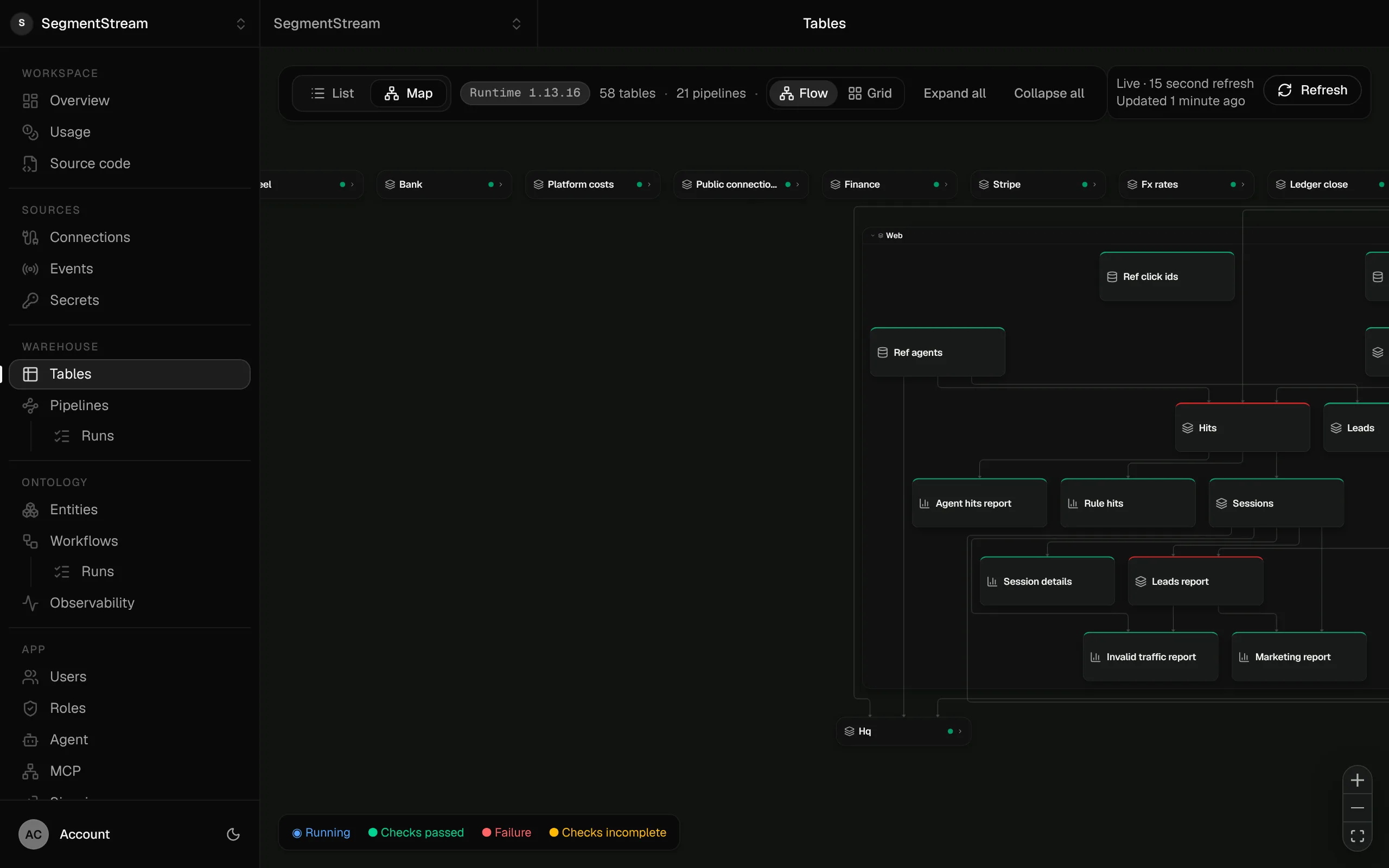
Data: pipelines, warehouse and AI evaluation
- Pipelines load data from any tool through a connection, model it in Python, check it and run on a schedule declared in code, on managed compute. They can also send rows back out, for example conversions to ad platforms or grades to your CRM.
- The warehouse comes with the workspace: BigQuery, isolated per workspace, with every ontology record replicated in by default. You pay for what you store and query.
- AI evaluation asks typed questions about any record (a yes or no, a grade, a score), with criteria in plain language, and stores each answer next to the data it judged.
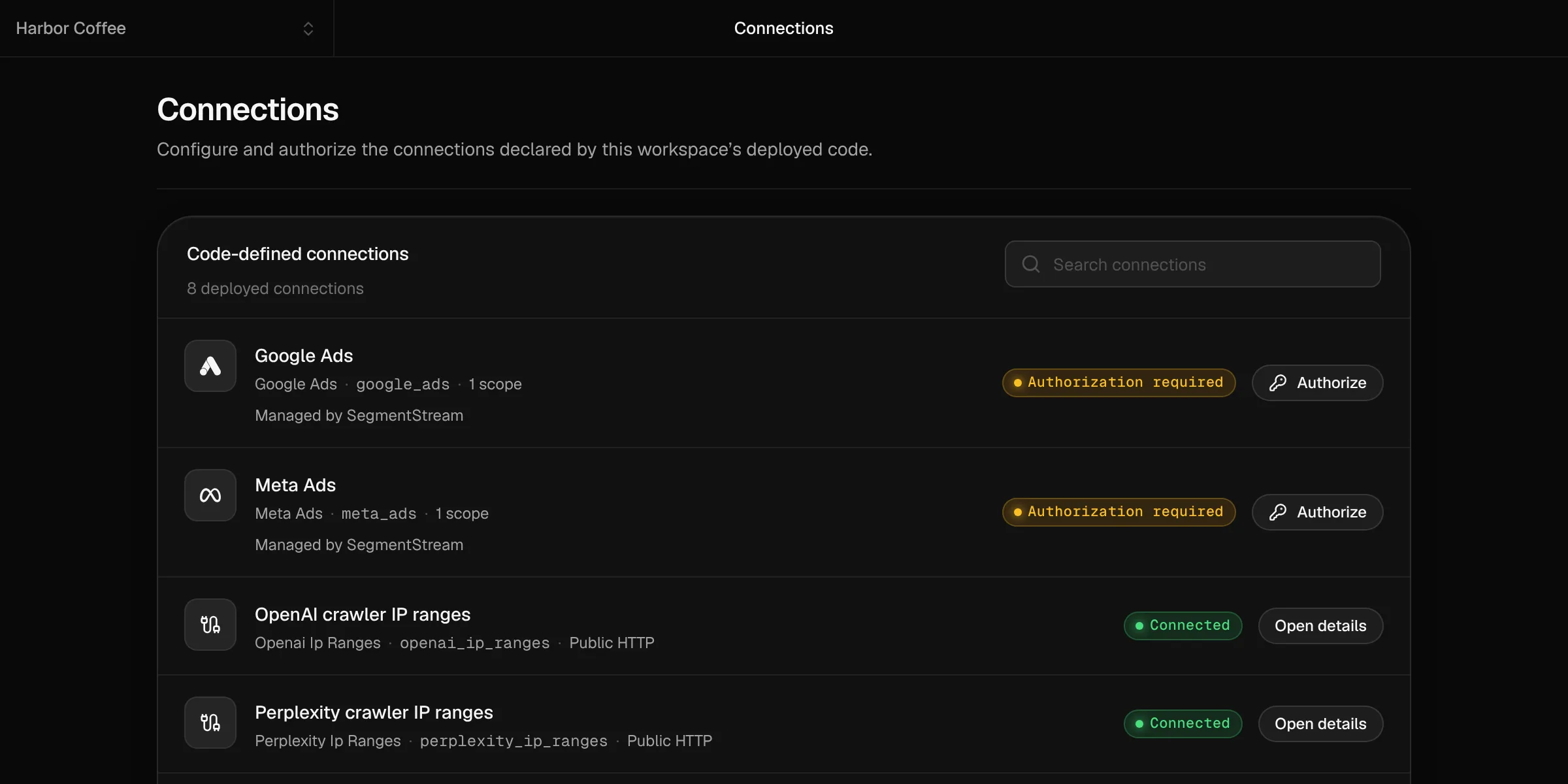
Connections and events
- Connections. 100+ pre-built integrations. Google Ads, Meta, HubSpot, Gmail and others connect through SegmentStream's own approved apps, so a member signs in once. Any other API connects with a key or OAuth. Credentials stay with the platform, never in your code, your logs or an agent's context. Any MCP server can be a connection too.
- Events. Collect events from websites, apps and servers on your own endpoint, with nothing to host. Keep the Segment, RudderStack or GA4 tracker you run by changing the address it sends to. Versioned schemas flag a bad event but never drop it, and every event lands in your warehouse.
Try it
Install SegmentStream:
curl -fsSL https://segmentstream.com/install.sh | shThen ask your coding agent (Claude Code, Codex, Cursor or another) to build what your team needs. For a sales team it could be:
Create a SegmentStream workspace for our company in the EU and
build a CRM for our sales team: companies, contacts and deals,
with stages from lead to won. Only the deal owner and sales
managers can mark a deal as won.

Bring our companies, contacts and deals over from HubSpot.
Add the company agent to our Slack, so the team can ask it about
a deal and update it from the chat.
Rather have our engineers build it? Start a pilot.